Slow Wi-Fi is almost always a placement, congestion, or hardware-age problem, and the fixes go in a specific order. Start free, escalate only if needed.
First, find out which problem you have
Run a speed test on a laptop connected to the router by Ethernet cable, or as physically close to the router as possible. Compare the result to the plan you pay for. If the wired number is far below your plan, the issue sits with your modem, your line, or your provider, and no Wi-Fi trick will fix it; restart the modem, check for outages, and call your ISP.
If the wired number looks right but rooms far from the router crawl, you have a Wi-Fi distribution problem, which is the fixable kind.
Placement: the free fix that works most often
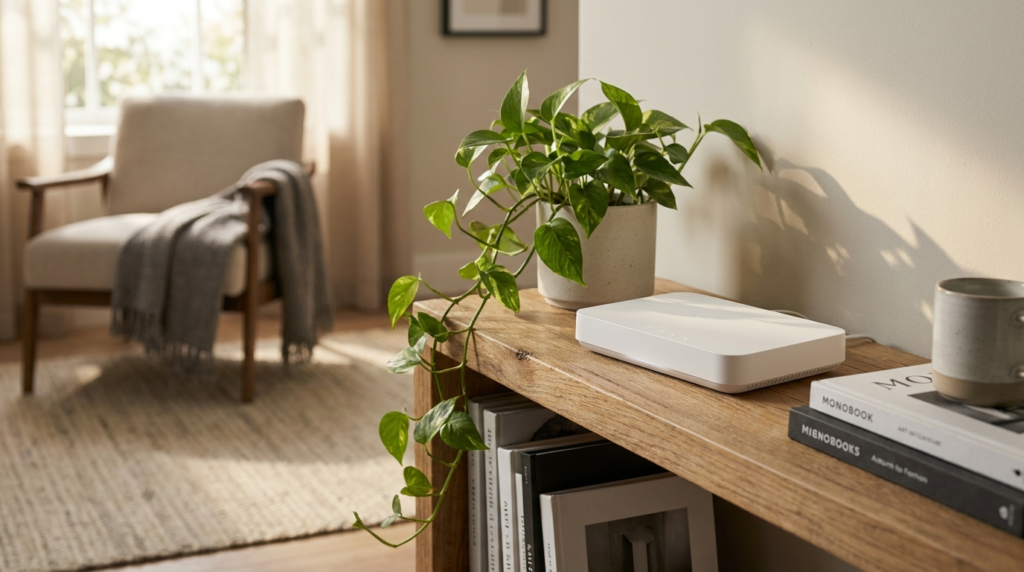
Wi-Fi radiates outward and downward, weakens with distance, and hates dense obstacles: brick, concrete, metal, mirrors, large appliances, and water, including aquariums. The router belongs central, elevated, and in the open, not in a basement corner, a closed cabinet, or behind the television.
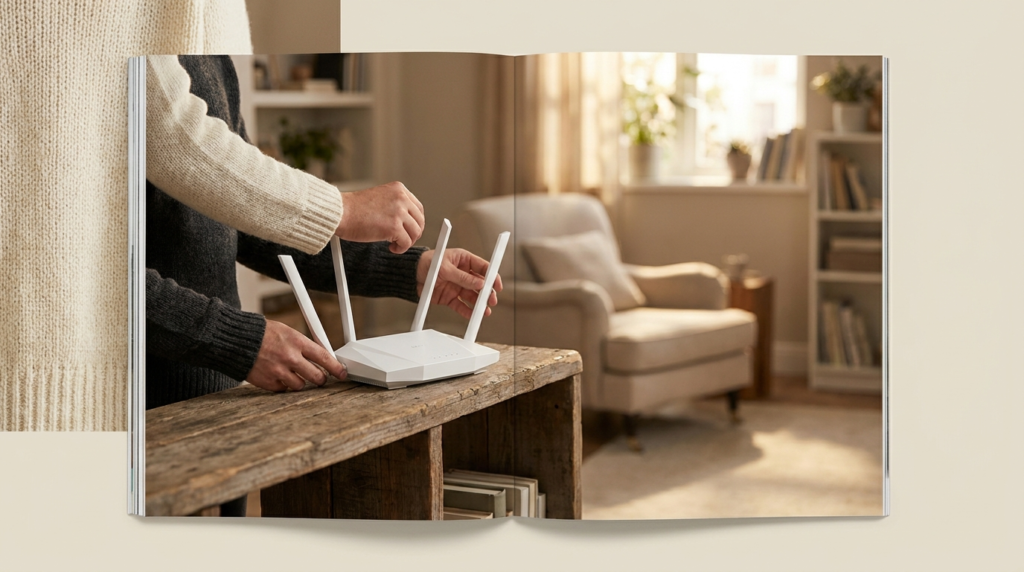
Moving a router from a far corner to the middle of the home routinely transforms the two worst rooms. If your internet enters the house at a bad corner, a longer cable from the modem to a better router location is the cheapest upgrade in networking.
Congestion: bands, channels, and too many neighbors
Modern routers broadcast multiple bands. The 2.4 GHz band travels farthest but is slow and crowded, sharing space with microwaves, baby monitors, and every neighbor’s network; the 5 GHz and newer 6 GHz bands are much faster over shorter ranges. Make sure your devices connect to the faster bands near the router, and let distant, low-need devices live on 2.4 GHz.
In apartments, channel congestion is common. Most router apps include an option to auto-select the clearest channel; rebooting the router periodically re-runs that selection. The FCC’s consumer broadband guidance also notes that device limits matter: dozens of connected gadgets share the same airtime.
When hardware is the honest answer
Routers age poorly. A unit from many years ago predates current Wi-Fi standards and struggles with today’s device counts even at short range. If your router is old, replacing it with a current-standard model is the highest-impact purchase in the home network.
For large or multi-story homes with dead zones that placement cannot cure, a mesh system with two or three nodes blankets the space with one seamless network. Cheap single plug-in extenders, by contrast, often halve speeds and create a second network name your phone clings to at the wrong times; mesh is worth the difference. Wherever a stationary device sits near a node or router, a cable still beats everything.
Frequently asked questions
Does restarting the router actually help?
Yes, occasionally and briefly: it clears memory, re-selects channels, and re-establishes the modem link. If you need restarts weekly, the hardware or the ISP connection has a deeper problem.
Should I hide my network or change its name?
Renaming is cosmetic. What matters is WPA2 or WPA3 security with a strong passphrase, and updated router firmware, which patches security holes and sometimes improves performance.
Why is only one device slow?
Test the same spot with a second device. One slow device usually means its own Wi-Fi radio, an old standard, a case blocking antennas, or a VPN running on that device alone.